SlideFireGet started
A workspace for TikTok slideshow creators

Take your slideshows off your phone.

Organize your images, hooks, and slides — then post them straight to TikTok.

Get started — it's freeNo credit card. No trial. Completely free.
SlideFire editor
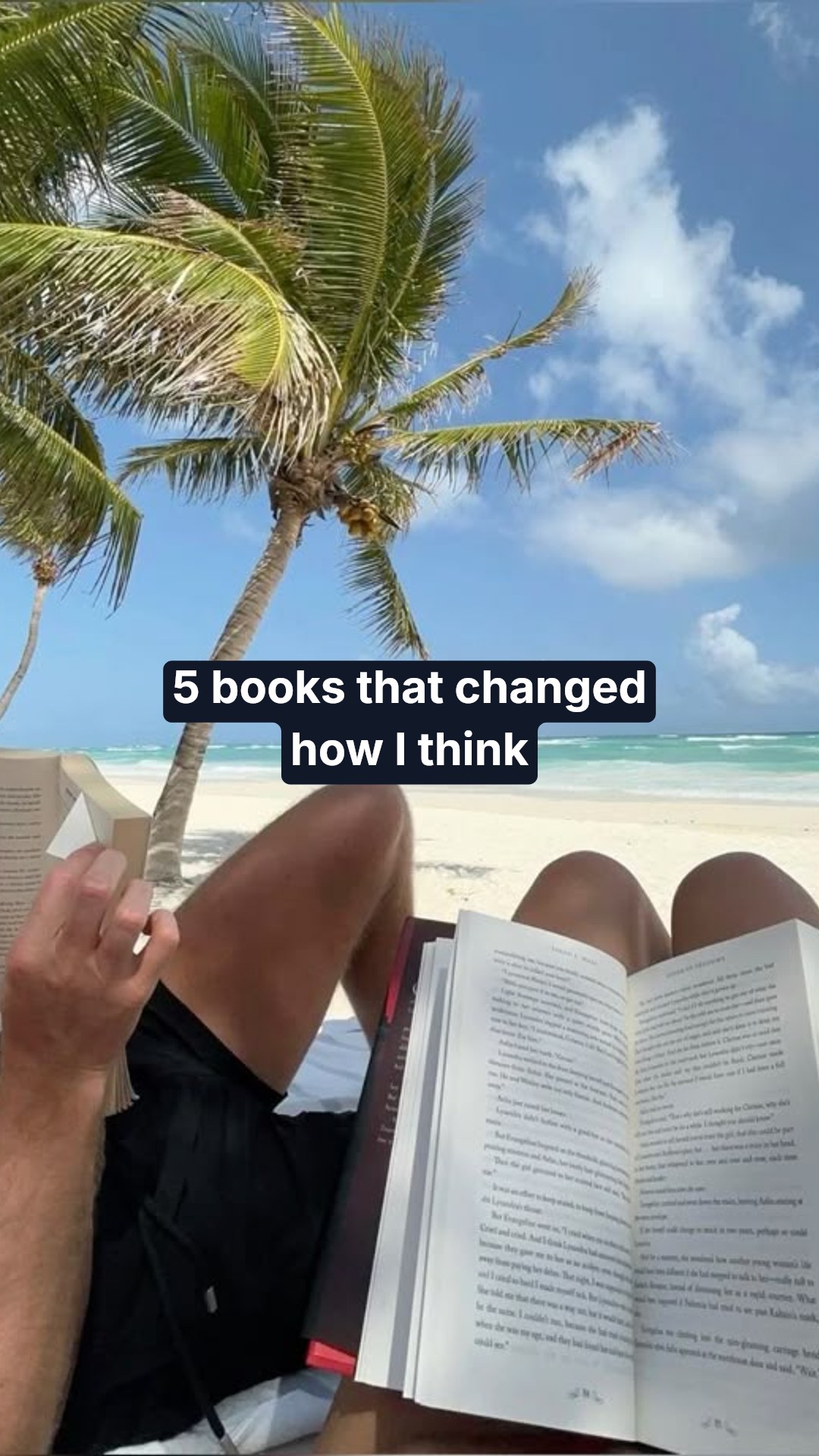
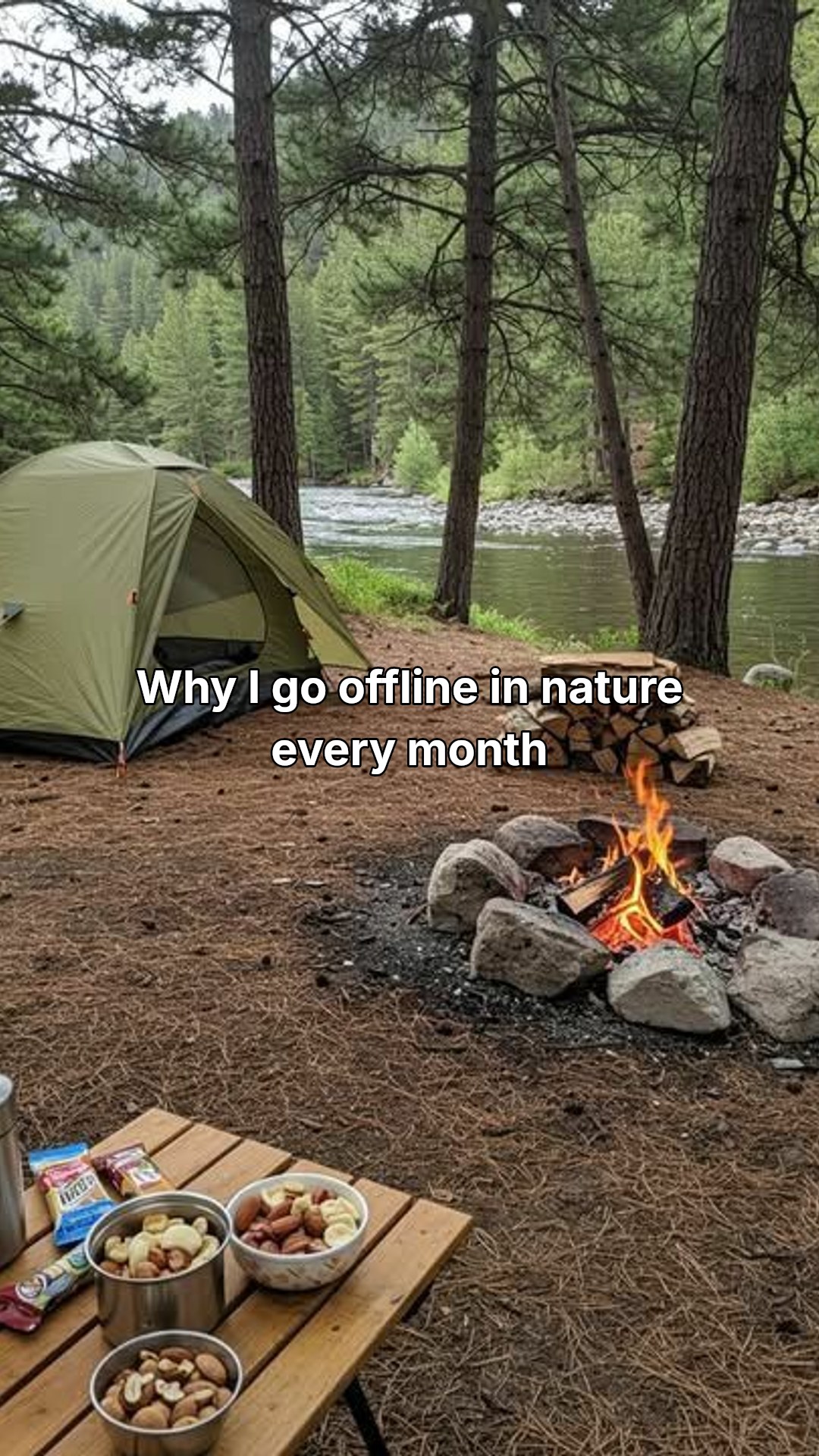
Sample TikTok slide

@yourname

Stop fighting your phone. There's a faster way →

Posted to TikTok

From your desktop

+ 4 images tagged

The problem

Mobile-only is killing your output.

Your camera roll is a graveyard.

Stock images, screenshots, hooks saved to Notes — jumbled in with vacation photos and your dog. Finding the right shot takes longer than shooting it.

Type your hook|

Mobile editing is a slog.

Tiny keyboard. Fiddly text positioning. The same images, hunted down again and again. A six-slide post takes twenty minutes — every time.

Your computer sits unused.

Your fastest tool — the one with the real screen and real keyboard — can't post slideshows. So your most-frequent task happens on the slowest device you own.

What you get

Built for the way you actually work.

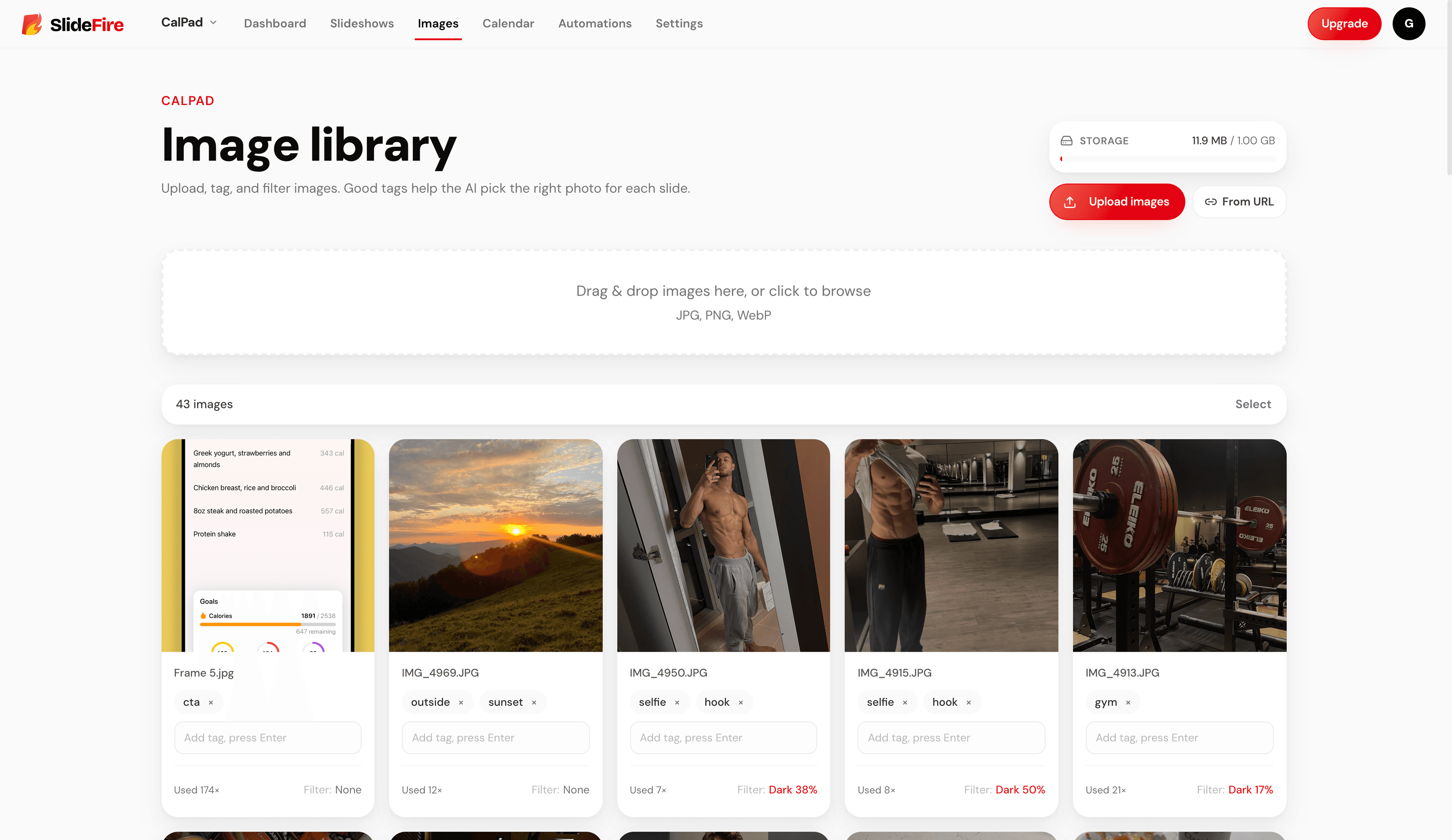
Image library

Every image, tagged and ready.

Upload from a file, drag & drop, or paste a URL. Tag with keywords. Reuse across every slideshow without dipping into your camera roll.

#fitness
#outdoor
#lifestyle
Tagged

Slide editor

A real editor.

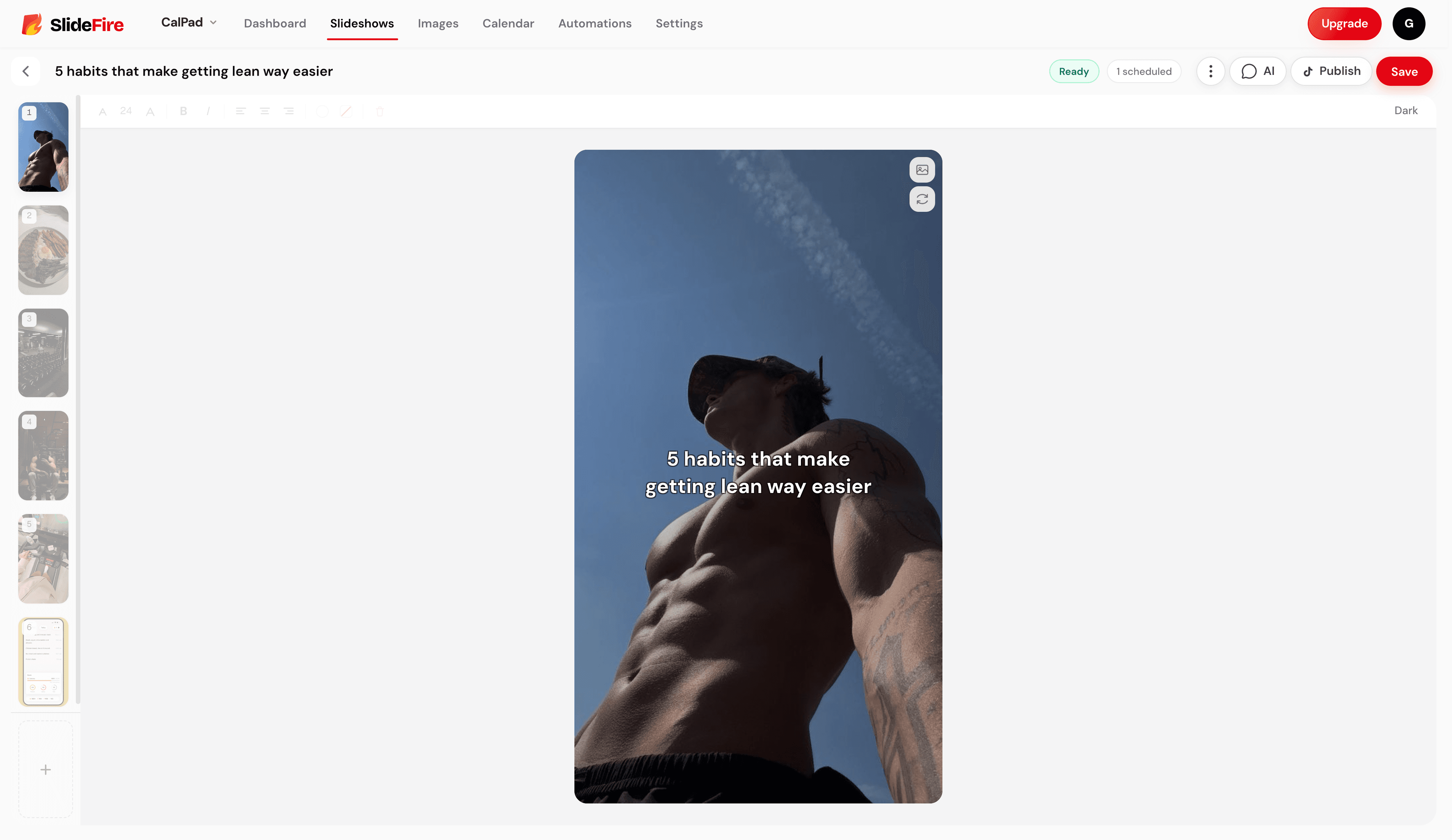
Drag text. Resize. Recolor. Apply filters. Set per-element backgrounds. The full keyboard is yours.

Editing a slide in Slidefire

How I post every day

Projects

A space per niche.

Run multiple accounts? Keep their images, hooks, and slideshows separate.

Fitness Account
Niche Promo
Sandbox

TikTok accounts

Connect every account.

Multiple TikTok accounts on one workspace. Switch with a click — no re-authing.

F
L
M

Hooks

Save every hook before you forget it.

Capture viral ideas the moment they hit you. Promote the best ones into full slideshows when you're ready.

Things I wish I knew at 22
5 mistakes killing your output
What nobody tells you about consistency
How I post 5 times a day
The one thing changing my life

Publishing

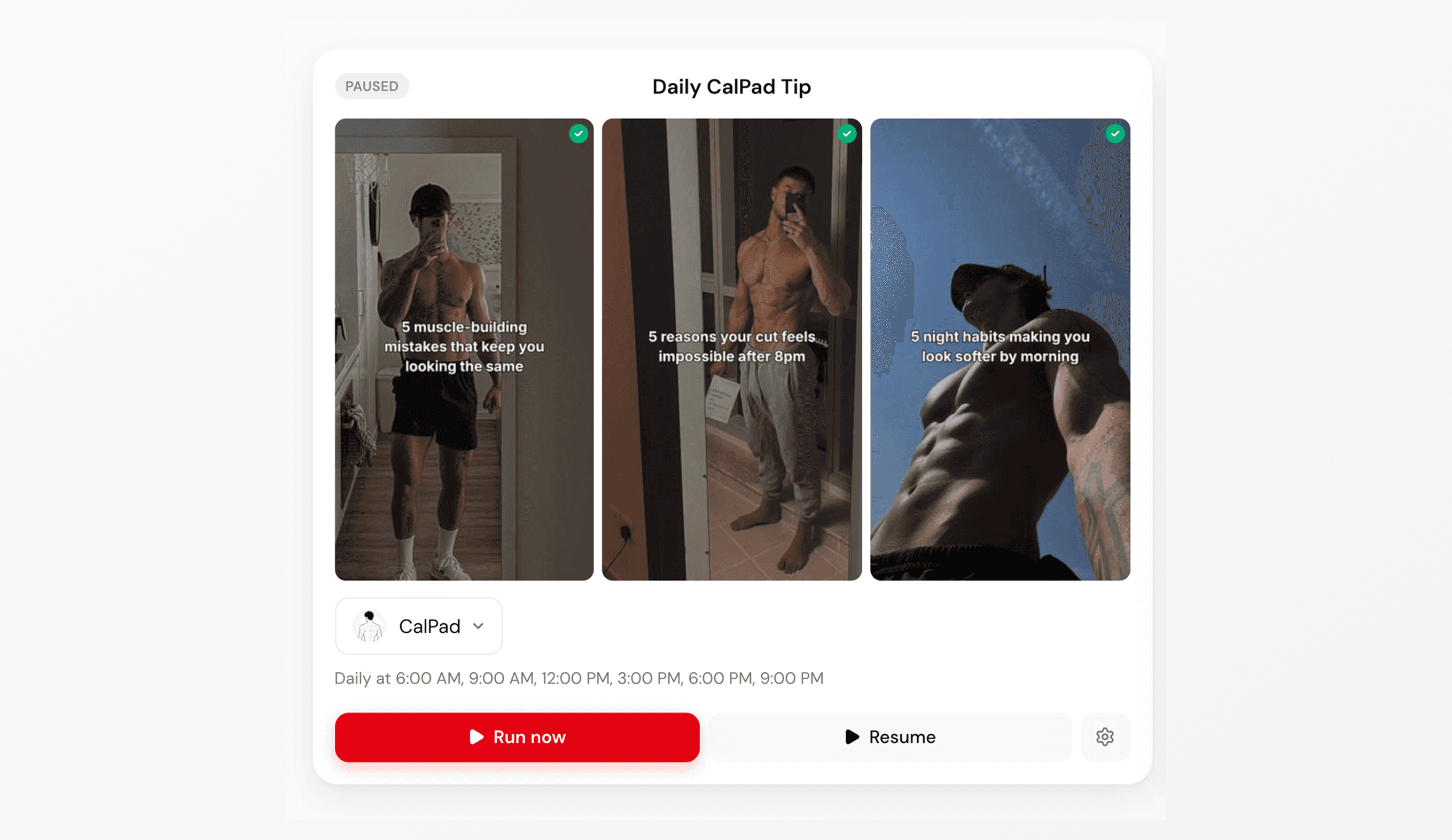
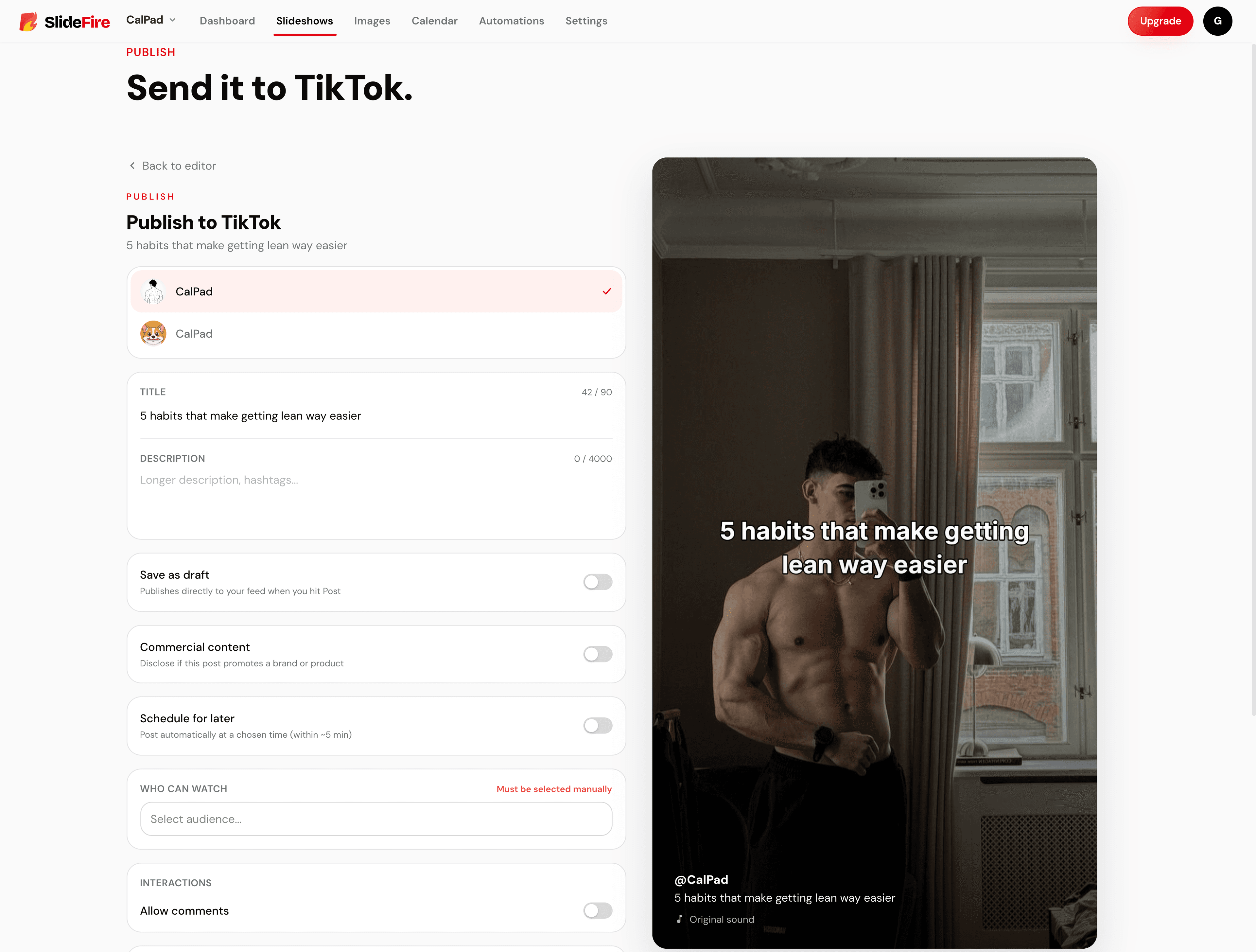
Straight to TikTok.

One click. Your finished slideshow lands on TikTok, ready to go.

Posted

2 seconds ago

Optional AI

Why pay subscription prices for AI you barely use?

SlideFire's AI generates slideshows from a prompt, refines them in chat, and runs automations on a schedule. Most TikTok tools wrap these features in a monthly subscription. We charge per-use, no padding — you pay way less.

Other tools

$20/month

Locked behind a subscription, whether you use it or not.

  • Subscription required
  • You pay even when you don't post
  • Padded for monthly recurring revenue

SlideFire

Free workspace

Pay-as-you-go credits when you want AI. Pay only for what you use.

  • No subscription, ever
  • Editor, library, scheduler — all free
  • AI priced honestly — no padding

Pricing

Free to use. Pay only for AI.

The full workspace is free forever. AI generation costs about 3 credits per slideshow — pick a pack when you need it.

The workspace

Free, forever

Editor, image library, scheduler, TikTok publishing, projects.

Get started

Optional AI credit packs

$2

500 credits

~165 AI slideshows

$5

1,500 credits

~500 AI slideshows

$10

3,500 credits

~1,165 AI slideshows

New accounts get 50 credits to try the AI before buying. No subscription. No expiration.

Why I built this

“

I built SlideFire because I wanted somewhere for my content that wasn't my phone.

I run a TikTok account that posts slideshows daily. Over time, my camera roll became a graveyard — stock images, half-edited drafts, screenshots from research, all jumbled in with my actual life. And TikTok only lets you create slideshows from mobile, so my fastest tool — a computer — was useless for the work I did most often.

SlideFire is the workflow I wished existed: a dedicated home for project images and hooks, plus a desktop-grade editor that ships straight to TikTok.

G

Gary Jensen

Creator of SlideFire

Move your slideshows to where they belong.

Completely FREE to use. No card required. Sign in to start your first project.

Get started
SlideFire
PrivacyTerms© 2026